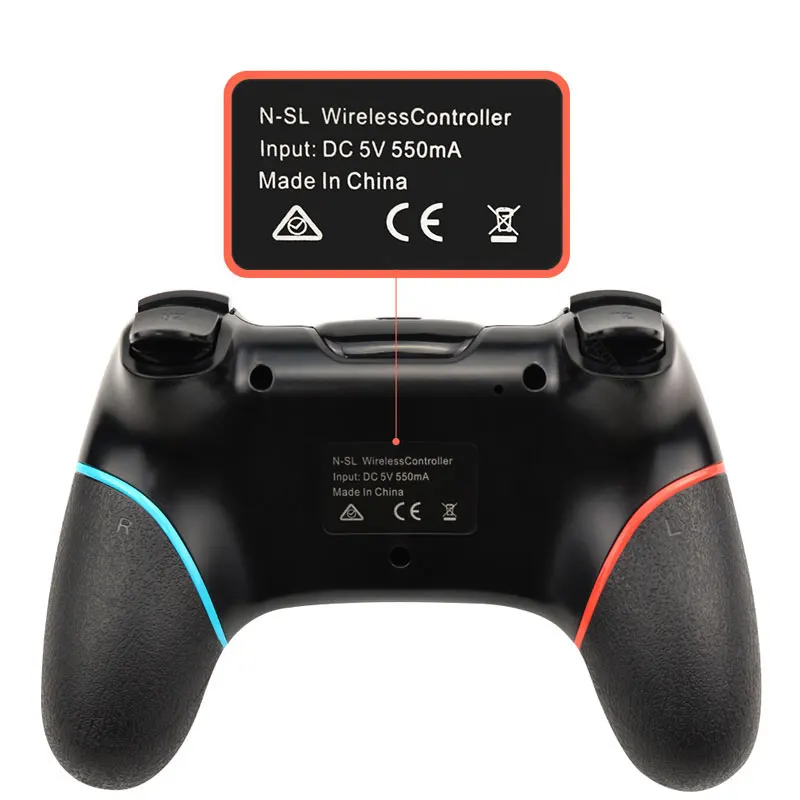
Wireless Bluetooth Gamepad For Nintendo Switch Pro NS-Switch Pro Game joystick Controller For Switch Console with 6-Axis Handle
$38.14

Connection to Nintend Switch:
1. Power on Switch Console first.
2. In the menu page of Switch Console, press "Controllers"→"Change Grip/order" →enter the Console pair interface "Press L + R on the controller".
3. Long press "Y + HOME" Buttons up to 5 seconds, and 4 buttons of HOME will flash quickly and circularly. When one of four LED light frash long time,it means that the controller is paired successfully with Switch Console.




Details
This product is crafted with quality materials to ensure durability and performance. Designed with your convenience in mind, it seamlessly fits into your everyday life.
Shipping & Returns
We strive to process and ship all orders in a timely manner, working diligently to ensure that your items are on their way to you as soon as possible.
We are committed to ensuring a positive shopping experience for all our customers. If for any reason you wish to return an item, we invite you to reach out to our team for assistance, and we will evaluate every return request with care and consideration.


